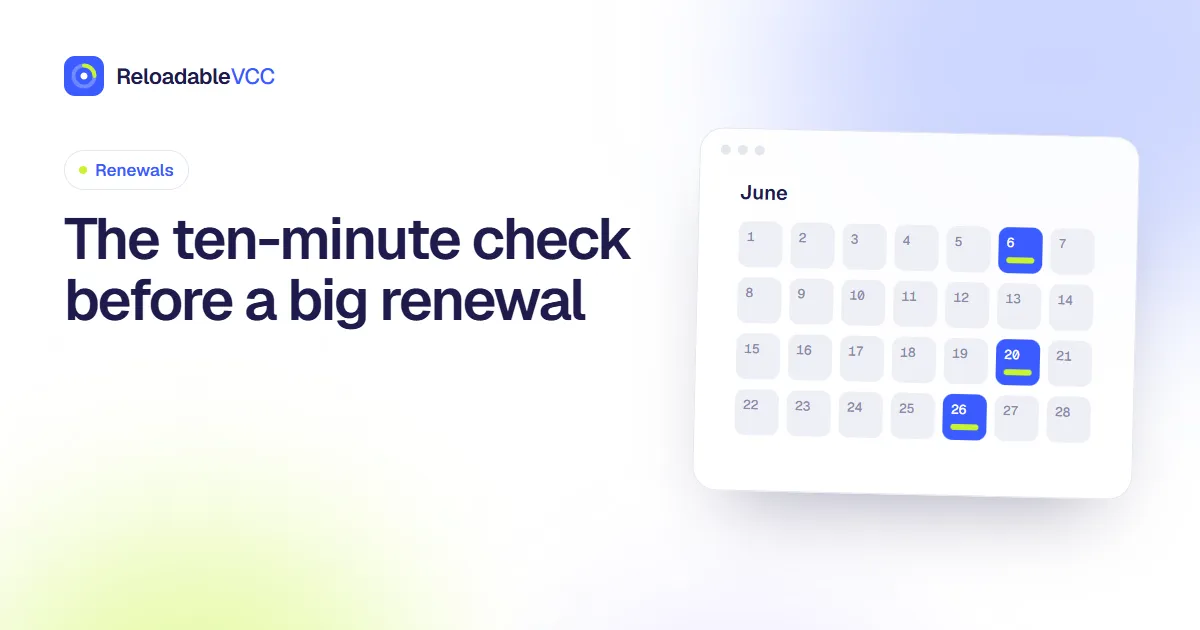
The ten-minute check before a big renewal
A large renewal is the one moment a plan's price is open for discussion. This ten-minute checklist covers usage, plan size, price changes and the card on file, so the charge you get is the one you meant to agree to.
ReloadableVCC Team 4 min read
Small monthly charges rarely deserve a meeting with yourself. A large renewal does: a yearly plan, a team subscription with several seats, or a service that has quietly grown in price. Once it renews, you have usually committed for another full term.
Ten minutes before the date is enough to catch most problems. Here is the routine.
Minute 1–2: Confirm the date and the amount
Open the service's billing page and check two things:
- The renewal date. Some services renew at the start of the day in their own time zone, which can be the evening before in yours.
- The amount it will charge. Not what you paid last year, the figure on the billing page now. Prices change, taxes get added, introductory discounts end.
If the amount is higher than you expected, look for the reason before doing anything else. A price change is often announced by email weeks earlier.
Minute 3–4: Look at how much you used it
Most services show usage somewhere: projects created, storage used, logins, hours watched, messages sent. You are looking for one answer: would you sign up again today, at this price, knowing how much you used it?
If the answer is "probably not", you have three options in the next steps: shrink it, switch the term, or cancel.
Minute 5–6: Check the plan size
Plans tend to grow and rarely shrink by themselves.
- Seats: are there people on the plan who no longer use it?
- Tiers: did you move up for a feature you used once?
- Add-ons: extra storage, extra users, premium support. Each one renews with the plan.
Downgrading before the renewal is usually simpler than asking for a partial refund after it.
Minute 7: Monthly or yearly?
A yearly plan is cheaper per month but locks the money in. If your use has become uncertain, switching to monthly costs a little more but lets you leave at any time. If you are certain you will keep it, yearly may be the better deal. Our guide to introductory prices and year two covers the trade-off in more detail.
Minute 8: Check the card on file
A renewal that fails can lead to a few days of retries and warnings, or in some cases to a suspended account. Before the date:
- confirm which card the service will charge;
- make sure it has not expired;
- make sure it holds enough for the full amount, including tax.
If you pay from a card you reload, reload a few days before, not on the morning of the renewal. That leaves room for the payment to be confirmed.
Minute 9: Save the evidence
Take a screenshot of the billing page with the amount and date, and keep the last price-change email if there was one. If the charge turns out different from what was shown, you have something to point to.
Minute 10: Decide and record
Write the decision in your renewal calendar event: "kept, downgraded to 3 seats" or "cancelled, confirmation saved". Next year you will see what you decided and why. See building a renewal calendar you will actually check for how to set those events up.
When ten minutes is not enough
Some renewals need a conversation: team plans with a sales contact, contracts with notice periods, or services where you want a better price. Start those a month ahead. Our guide to loyalty offers at renewal time explains how to judge what you are offered.
Common mistakes
- Checking last year's receipt instead of the billing page. The receipt shows what you paid, not what you are about to pay.
- Removing seats after the renewal. On many yearly plans the seat count is fixed for the term once it renews.
- Funding the card on the day. If the money is not there when the service tries, you start a sequence of retries and reminders for no reason.
- Deciding without data. "I think we use it" is not usage. The admin or usage page usually answers the question in a minute.
Frequently asked questions
What if the renewal is next week and I have not decided?
Turn off auto-renew now if the service lets you keep access until the end of the term. You can switch it back on once you decide, and you have removed the risk of renewing by default.
Is a monthly plan always safer?
It is more flexible, not always better. If you are certain you will use the tool all year, the yearly price is usually lower. The check is about making that choice on purpose.
Summary
Before a big renewal: confirm the date and amount, look at real usage, trim seats and add-ons, choose monthly or yearly deliberately, check the card on file, save evidence and record the decision. Ten minutes, once a year per plan.
- #renewals
- #yearly plans
- #checklist