Building a renewal calendar you will actually check
The best renewal tracker is the one you already look at. A step-by-step way to put every subscription and yearly plan into your everyday calendar, with alerts that arrive while you can still change your mind.
ReloadableVCC Team 4 min read
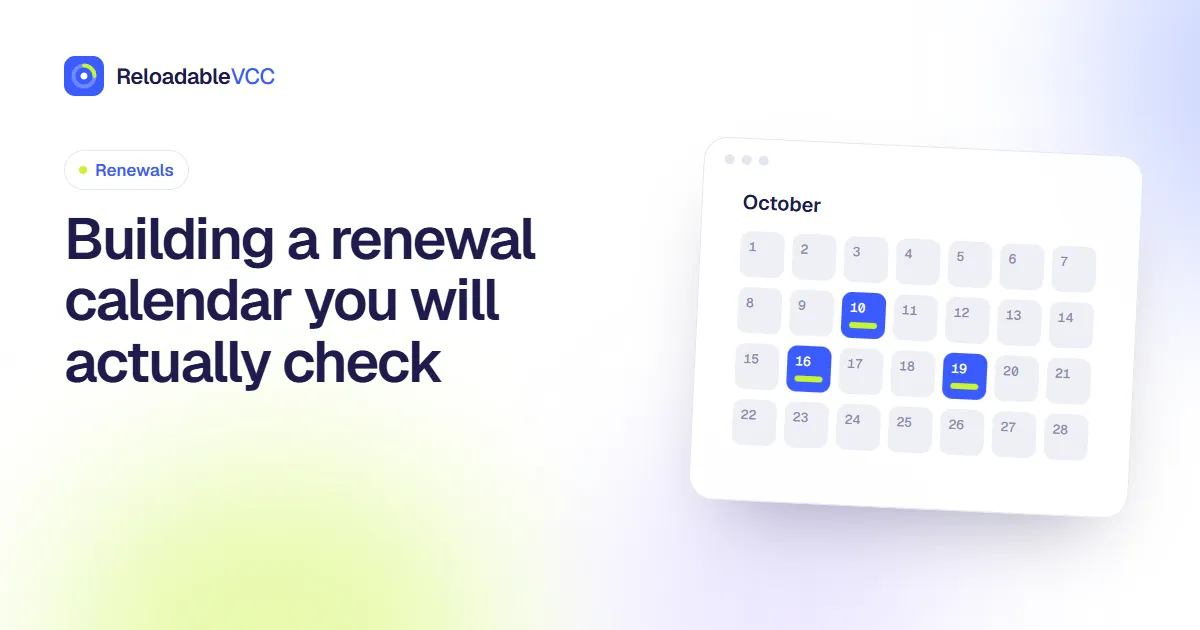
Plenty of people start a list of their subscriptions and abandon it a few weeks later. The list was not wrong. It simply lived somewhere they never looked. A renewal calendar works when it sits inside a tool you already open every day and nudges you at a moment when you can still do something.
This guide builds one in the calendar app you already use, in about half an hour.
Why a calendar beats a spreadsheet
A spreadsheet answers the question "what do I pay for?" A calendar answers the more useful one: "what is about to happen?" Renewals are events with dates, and calendars are built for events. They repeat on their own, they send alerts, and they appear next to everything else you are planning that week.
A spreadsheet still has a place as your full inventory. The calendar is the part that reminds you.
Step 1: Collect the renewals
Go through three places and note every charge that repeats:
- Your card activity for the last twelve months. Monthly charges show up again and again; yearly ones appear once, so scan the whole year.
- Your email, searching for words such as "receipt", "renewal", "your plan" and "invoice".
- App store subscriptions on your phone, which are easy to forget because they bill through the store.
For each one, write down the name, the amount, how often it renews, the next date and which card it uses.
Step 2: Create one event per renewal
Add an all-day event on the renewal date and set it to repeat monthly or yearly. Put the important facts in the title so you can read them without opening the event:
Renews: Cloud storage · $9.99 · card •••• 4821
All-day events stay out of the way of your meetings but are still visible at the top of the day.
Step 3: Time the alert to the decision, not the charge
An alert on the morning of the renewal is too late to cancel most plans. Set alerts according to what you might want to do:
| Renewal type | When to be reminded |
|---|---|
| Monthly, low cost | 2 days before |
| Monthly, worth reviewing | 7 days before |
| Yearly | 3 to 4 weeks before |
| Free trial ending | 3 days before |
Yearly plans need the longest warning. Some services only let you switch off auto-renew a set number of days before the date, and a large yearly charge deserves time to think.
Step 4: Use a separate calendar
Most calendar apps let you create additional calendars. Make one called "Renewals" and give it its own colour. You can hide it when it gets in the way, share it with a partner who shares the bills, or turn its alerts up without changing your work calendar.
Step 5: Add the card's routine
If you pay renewals from a card you reload, add the reload itself as a recurring event a few days before the busiest renewal week of the month. Then the calendar shows both sides: money going on, money going out. Our guide on monthly or weekly reloads helps you choose the rhythm.
Keeping it alive
A calendar decays when it stops matching reality. Two small habits keep it accurate:
- Edit the event when a price changes. The renewal email is your prompt.
- Delete the series when you cancel. Choose "all future events" so it does not keep reminding you.
Once a quarter, compare the calendar with your card activity for the past three months. Anything charged that is not on the calendar gets added. Anything on the calendar that was not charged gets checked.
Frequently asked questions
Should I put free services on the calendar?
Only if they become paid later, for example a free plan that ends after a set period. Otherwise they add noise.
What about charges that vary each month?
Add the event with your best estimate in the title and a note such as "varies". The date is what matters most for planning.
Is a dedicated app better?
Dedicated trackers can be useful, but they are one more place to check. If you already live in your calendar, start there and only add an app if the calendar is not enough.
Summary
Collect every repeating charge, give each one an all-day event with the amount and card in the title, set alerts according to how much warning the decision needs, and keep the events in their own calendar. Ten minutes a quarter keeps it honest.
- #renewals
- #calendar
- #reminders
- #subscriptions