Reading a software pricing page like a careful buyer
A pricing page is a sales page. Knowing where the important details hide, such as whether the price is per user, billed yearly or before tax, turns it into a useful comparison tool.
ReloadableVCC Team 3 min read
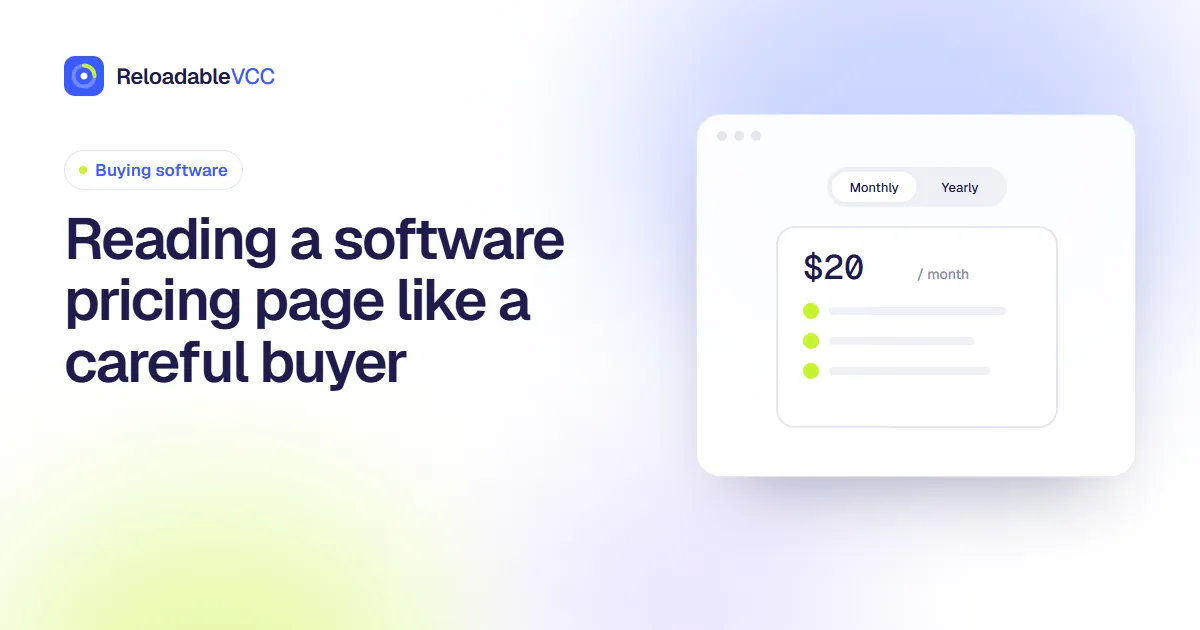
Software pricing pages share a familiar layout: three or four plan cards, a highlighted favourite, a long comparison table, a FAQ. The information you need is usually there, just not where your eye lands first.
Read the small text under the price
The large number is the headline. The small text underneath tells you what it means:
- "per user" or "per seat": multiply by your team size. See seat-based pricing;
- "billed annually": the monthly figure assumes a yearly commitment, and the real monthly price is higher;
- "starting at": the lowest configuration, not necessarily what you need;
- "excl. tax": tax will be added at checkout.
Flip the billing switch
Most pages have a monthly/yearly toggle, often set to yearly by default. Switch to monthly to see the price without commitment, then decide which you prefer. Our guide to introductory prices and year two covers the trade-off.
Find the limits
Plans differ more in limits than features: projects, storage, users, monthly usage. Find the limit that matters most for you, using the approach in tiered plans.
Read the FAQ
Pricing FAQs answer the questions that affect your bill:
- what happens if you exceed a limit;
- whether you can change plans mid-term;
- refund rules;
- how seats are billed when added or removed.
Look for what is not on the page
- Add-ons priced separately. See add-ons and bundles.
- Setup or onboarding fees for higher plans.
- "Contact sales" tiers, where the price depends on negotiation.
Take a screenshot
Prices change. A dated screenshot of the plan you chose is useful at renewal time if the price has moved.
A worked example
A project tool shows "$8" in large type. Underneath: "per user / month, billed annually, excl. tax". For a team of four, choosing monthly billing, the real figure is $10 × 4 = $40 a month before tax, or $480 a year. The large $8 was accurate, but it described a different purchase from the one the team was about to make.
Common mistakes
- Reading the yearly price as the monthly price. The toggle is often set to yearly by default.
- Missing "per user". It turns a small number into a team-sized one.
- Ignoring the FAQ. It is where limits, overages and refunds are explained.
Frequently asked questions
Why do some plans say "contact sales"?
Prices for larger customers are negotiated. For a small team, a self-service plan is usually simpler and often cheaper.
Are prices on the pricing page final?
Tax is often added at checkout, and some add-ons are priced separately. The checkout page shows the final figure.
Summary
Read the small text under each price, switch between monthly and yearly, find the limit that decides your plan, read the pricing FAQ, look for add-ons and setup fees, and save a screenshot of what you chose.
- #pricing pages
- #software
- #plans