Order confirmation emails: catching mistakes before anything ships
Most order mistakes are visible in the confirmation email within minutes: a wrong address, a duplicated item, an unexpected subscription. A quick check while changes are still easy saves returns and refunds later.
ReloadableVCC Team 3 min read
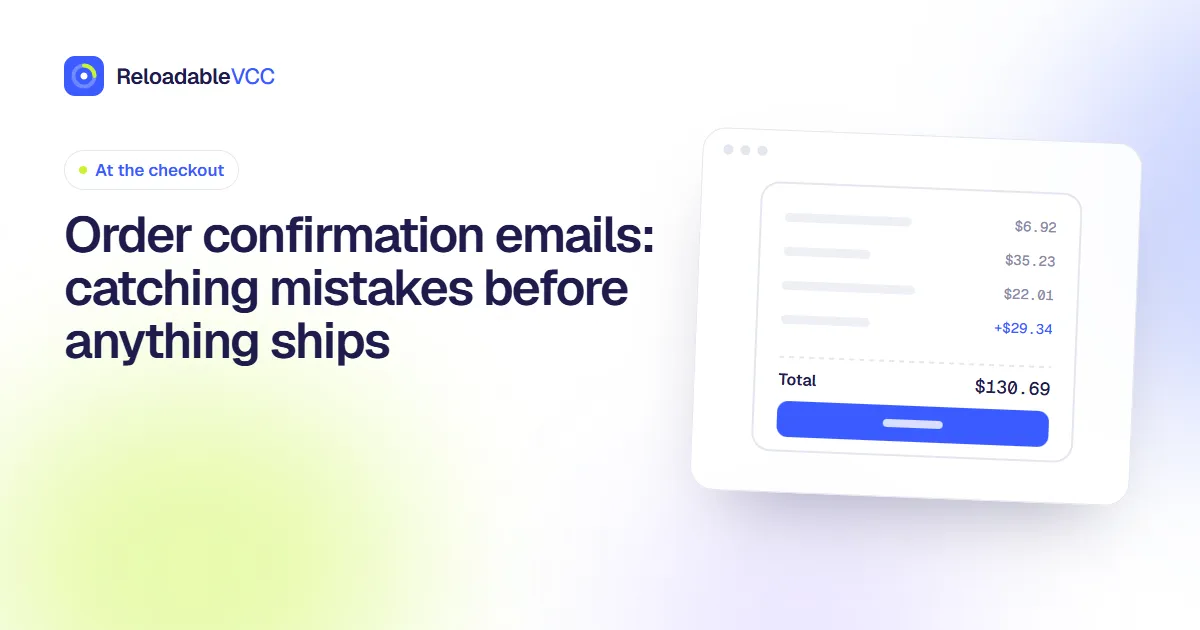
The confirmation email that arrives after an order is easy to skim and archive. It is also the cheapest moment to fix a mistake: before the order is packed, while changes are still a click or a short message away.
What to check, in a minute
- Items and quantities. Duplicates happen, especially after going back and forth in a basket.
- Variants. Size, colour, model, licence type.
- Delivery address. Particularly after moving, or when a browser filled in an old address.
- Delivery speed and cost. Did an expensive option stay selected?
- Total. Does it match what you expected, including tax and fees?
- Anything recurring. Some checkouts add a subscription or membership, sometimes as a pre-ticked box. Look for words like "membership", "auto-ship" or "every month".
If something is wrong
- Look for an "edit" or "cancel order" link. Many shops allow changes for a short time after ordering.
- Contact the shop straight away. Reply to the confirmation or use their contact form, with the order number.
- Do not place a second order to fix the first without cancelling the original.
Check the card too
Look at your card activity. You may see a pending authorisation at the order amount. If you see two, or an amount that does not match, mention it when you contact the shop.
Keep the confirmation
File it with your receipts until any return window has passed. It contains the order number, which you will need for any query. Our guide to invoice or receipt? explains which documents to keep.
Digital orders
For digital purchases, the confirmation may contain a licence key or download link. Save it somewhere you will find later. See licence keys, downloads and manuals.
A worked example
You order a monitor and a cable. The confirmation lists two cables, delivery to your previous flat, and "Protection plan – $4.99/month". Within five minutes you use the "edit order" link to remove the extra cable and fix the address, and you contact the shop to remove the protection plan you did not choose. Had you waited for delivery, you would have faced a return, a redirected parcel and a new monthly charge.
Frequently asked questions
No confirmation email arrived. What now?
Check spam and promotions folders, then your account's order history if you have one. If nothing appears within an hour, contact the shop before ordering again.
The total in the email differs from the checkout. Why?
Tax or delivery may have been recalculated. If the difference was not shown before you paid, ask the shop to explain it.
Summary
Within minutes of ordering, check items, variants, address, delivery option, total and anything recurring. Fix mistakes through the shop's edit or cancel link or by contacting them immediately, check the card for duplicate charges, and keep the confirmation until returns close.
- #orders
- #confirmations
- #mistakes