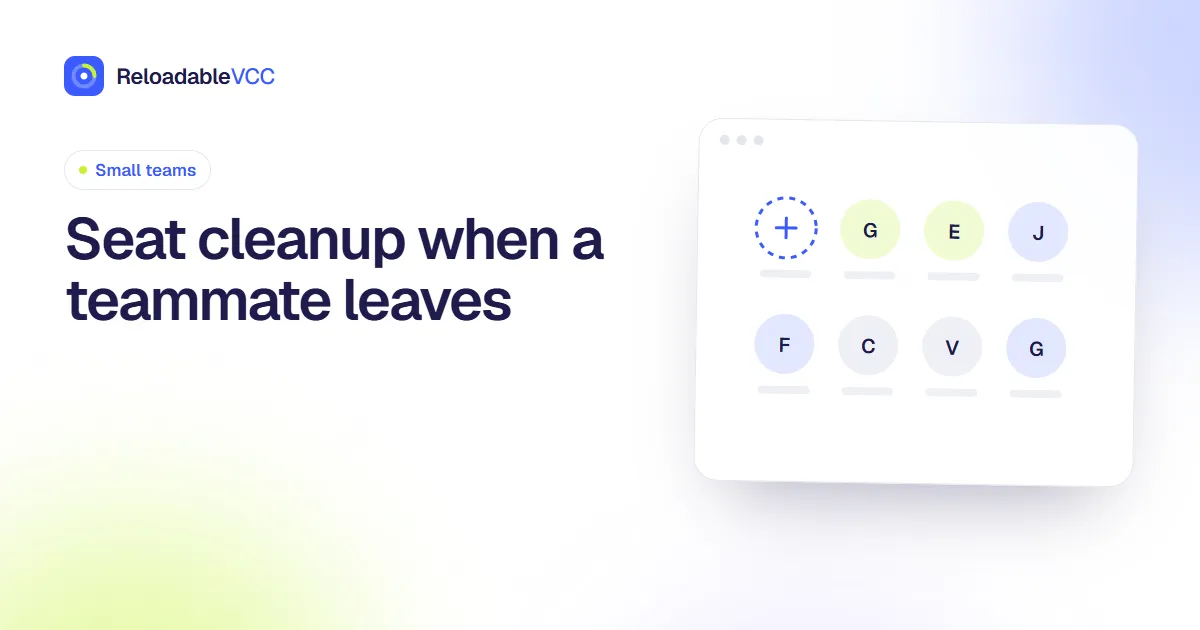
Seat cleanup when a teammate leaves
A teammate leaves, and their seats in a dozen tools keep costing money. Worse, some of those tools may be billed to their card or owned by their login. A first-week checklist to tidy it all up.
ReloadableVCC Team 3 min read
In a small team, nobody has a formal offboarding process. Someone leaves, there is a farewell message, and their accounts linger. Seats keep being billed, access stays open, and occasionally a tool turns out to be owned by the person who left.
This checklist is for the first week after a departure.
Day 1: Access
- Remove the person from shared password managers and shared folders.
- Remove them from tools that hold sensitive data first: finance, customer data, code, email.
- Change shared passwords they knew.
Day 1–2: Ownership
For each tool, check who is the owner or billing admin. If it was the person leaving:
- ask them to transfer ownership before they go, if they are still reachable;
- otherwise contact the tool's support with proof that you are the organisation.
This is the step most often missed, and the hardest to fix later. Our guide to who holds the admin login explains how to avoid the problem in future.
Day 2–3: Cards
- Check whether any tool was paid with the leaver's personal or company card.
- Move those subscriptions to a team card before the next renewal.
- If the leaver had a team card, close or freeze it and move its services elsewhere.
Day 3–5: Seats
For each tool:
- Remove the person's seat or reassign it to a newcomer.
- Check whether the seat count on the bill dropped. On yearly plans it may not drop until renewal. See seat-based pricing.
- Transfer their files, projects or documents to someone else before deleting the account, where the tool requires it.
Day 5: Record
Update your list of tools with the new seat count, owner and card. A simple shared sheet is enough; finding the tools your team signed up for shows how to build one.
Keep a template
Turn this list into a template that you copy each time someone leaves. The second departure will take half the time.
Common mistakes
- Deleting the account before moving its files. Some tools delete everything the person owned along with the account.
- Forgetting tools paid by expense claims. They do not show up on the team card, so they are easy to miss.
- Leaving shared passwords unchanged. Removing someone from a vault does not change the passwords they already saw.
- Assuming yearly plans shrink straight away. The seat may stay billed until renewal even after it is removed.
Frequently asked questions
Should we wait a few weeks in case the person comes back?
Remove access straight away and keep their files. Seats can be added back in minutes; open access cannot be undone.
What about tools only the leaver knew about?
Ask before they go: "Which tools do you use that are not on the list?" It is the quickest way to find them.
Summary
Remove access first, transfer ownership of any tool the person owned, move subscriptions off their card, remove or reassign seats and check the bill, then update your tool list. Keep the checklist as a template.
- #offboarding
- #seats
- #team software