A list of every account that holds your card
Your card is probably saved in more places than you remember. A short list of where each card is stored turns a stressful card change or suspected leak into a calm checklist.
ReloadableVCC Team 3 min read
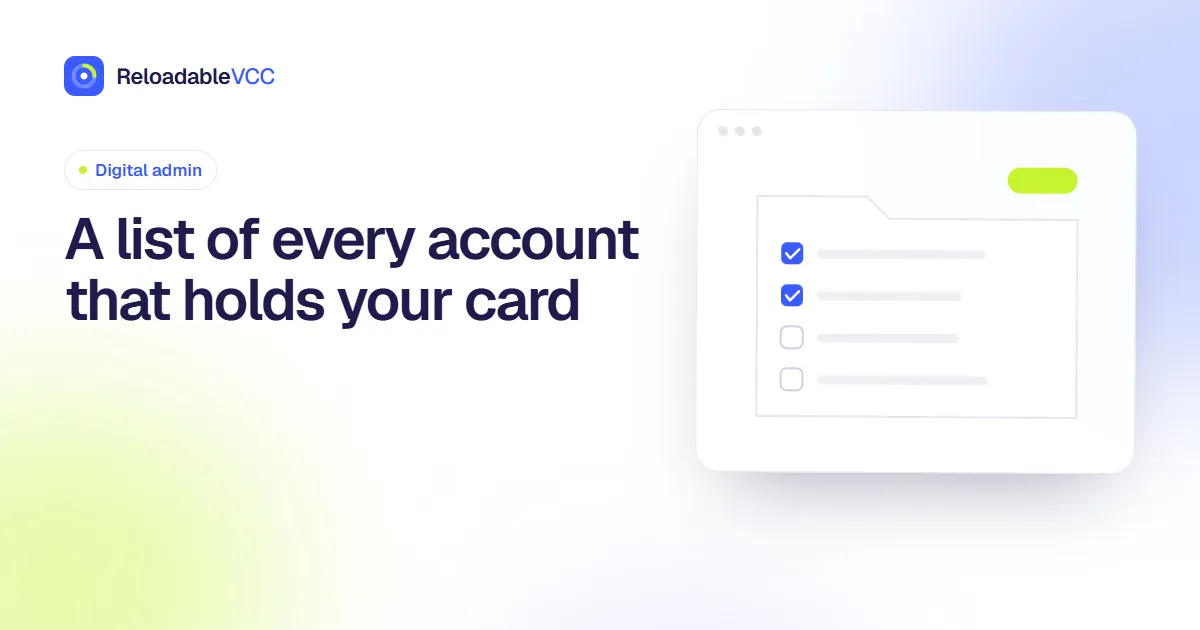
Every time you save a card at checkout, it joins a list you probably do not have: shops, apps, subscriptions, ride and delivery services, app stores. When the card expires, is replaced or might have leaked, that missing list becomes a problem.
Build the list
Go through:
- card activity for the past twelve months;
- your password manager's list of saved logins;
- app store subscriptions;
- browser and phone wallet saved cards.
For each place a card is saved, note:
| Service | Card | Used for | Billing settings |
|---|---|---|---|
| Cloud storage | •••• 4821 | Monthly plan | Settings → Billing |
| Shop A | •••• 7310 | Occasional orders | Account → Payments |
Never write full card numbers in the list.
Use it when a card changes
If a card expires or is replaced, the list becomes a checklist: update services in order of their next charge. See updating the card on file.
Use it when details may have leaked
If you think a card's details have been exposed:
- ask the card provider to freeze the card;
- request a new card;
- use the list to move each service to the new card;
- remove the old card from every account on the list.
If you use separate cards for separate jobs, only the services on the affected card need attention. See giving each card one job.
Shrink the list
Each entry is somewhere your card could leak from. Reduce it by:
- removing saved cards from shops you rarely use;
- using guest checkout for one-off purchases. See guest checkout or an account;
- closing accounts you no longer need. See closing accounts you no longer use.
Keep it current
Add a line whenever you save a card somewhere new, and review the whole list once a year.
A worked example
A card's details may have been exposed in a shop's data breach. Your list shows that card saved in seven places. You freeze it, request a new card, and work down the list in order of next charge: two subscriptions this week, one next week, four shops with no recurring charge. The four shops get the old card removed and no new card added. An hour later, everything that matters runs on the new card and the old one is saved nowhere.
Common mistakes
- Writing full card numbers into the list. Card endings such as •••• 4821 tell you which card is meant.
- Forgetting phone and browser wallets. They hold cards too.
- Updating the list only when something goes wrong. Add each new place as you save a card.
Frequently asked questions
Where should the list live?
A password manager note or a private document works well. Keep it away from shared folders.
Summary
List every service where a card is saved, with the card's last four digits and where its billing settings are. Use it as a checklist when a card changes or may have leaked, shrink it by removing unneeded saved cards, and review it yearly.
- #saved cards
- #accounts
- #security